Mac screen sharing privacy
Hide notifications when screen sharing on Mac in 6 steps.
Use built-in macOS notification settings, share one window or tab, and check the receiving view before your meeting. Privacy utilities are optional, and any protected-app or color-block behavior needs its own test.
Step by step
Run this checklist before sharing your Mac screen.
Quick answer: in System Settings > Notifications, set Show Notifications: when mirroring or sharing the display to Notifications Off. Then turn on Focus and test the exact window or display you plan to share. The setting and Focus serve different purposes; neither chooses the shared source for you.
macOS notification settings and a window or tab share do not require another app. If you add a privacy utility, verify its protected-app and presentation behavior in the captured output; it cannot choose the correct shared source for you.
Turn on Focus before the call. In System Settings > Notifications, choose Notifications Off for Show Notifications: when mirroring or sharing the display. Then open Privacy & Security > Screen & System Audio Recording to confirm which meeting apps can record. Apple documents both notification settings and recording permissions. If iPhone Mirroring forwards private alerts to the Mac, review Show on Mac for each iPhone app.
Share one application window or browser tab when the meeting app allows it, instead of an entire display with unrelated private windows. Check the audio-sharing option too.
Close unrelated chat, email, finance, client, and internal-tool windows. If using Anti-spy screen Lite, select the sensitive apps to protect.
If using Presenting Mode or a Privacy Color Block, enable it before the test call. Do not assume that an overlay visible on your Mac will appear in the meeting's captured output.
Join a private test call from a second device with its microphone and speakers muted. Inspect the receiving view, trigger a harmless notification, and confirm the intended window, any protected content, and shared audio. Stop if private content appears.
End screen sharing before reopening private apps. Confirm the meeting app is no longer recording, then restore hidden windows deliberately.
Choose the shared source
Share a window or tab in Zoom, Meet, or Teams.
Start with the smallest source that contains your presentation. A narrow source reduces unrelated desktop exposure, but anything sensitive inside that source can still be visible. Leave system audio sharing off unless the meeting needs it.
In Share, open Screens and select the intended application window rather than the entire display. Check Share sound separately. Zoom also offers a cropped Portion of screen; keep private content outside that boundary. See Zoom sharing options.
Choose Present now, then A tab for a web presentation or A window for one app. Check the tab-audio or system-audio option before confirming. Do not present the meeting window itself. See Meet presentation settings.
Select Share and choose the presentation window. Teams needs macOS screen-recording permission; for Teams in a browser, permission belongs to that browser. The optional native macOS sharing experience does not support giving or taking control. See Teams Mac sharing instructions.
Check allowed people, apps, and time-sensitive notifications in Focus settings. Teams calls, requests to join, and meeting-start alerts do not depend on macOS Focus; review Teams notification settings too.
Receiving-side check
Check what another participant actually sees.
A local screen preview is not proof that private content is absent from the transmitted view. Capture modes can differ: Zoom documents window-filtering and capture options. Do not assume that a color block visible on your own display also covers a separately captured window.
Join a private test call from a second device, mute its microphone and speakers, and inspect the receiving view. Keep real client records, passwords, and personal messages closed during the test.
Share the intended source, switch slides, open a harmless alert, and test any optional protected-app or color-block behavior. Repeat for an external display or a different sharing mode; a successful window-share test does not prove an entire-display share is safe.
If any private area appears, stop sharing and remove that content from the source. Re-test before inviting others. Choosing a narrower window or preparing a separate presentation document is preferable to relying on an unverified mask.
Use the built-in notification control and the meeting app first. On older macOS versions, the notification control may be an Allow notifications when mirroring or sharing the display switch; turn it off. Anti-spy screen Lite is optional, not a requirement for these settings.
Risk checklist
Know which control addresses each privacy risk.
Screen sharing, mirroring, and shoulder surfing are different risks. Use the meeting app for the shared source, macOS for recording permission, and the privacy utility for selected app hiding, Presenting Mode, color blocks, and nearby-face protection.
Choose the correct window or display and verify the live preview before other participants join.
Control which apps may record the screen and system audio in Privacy & Security settings.
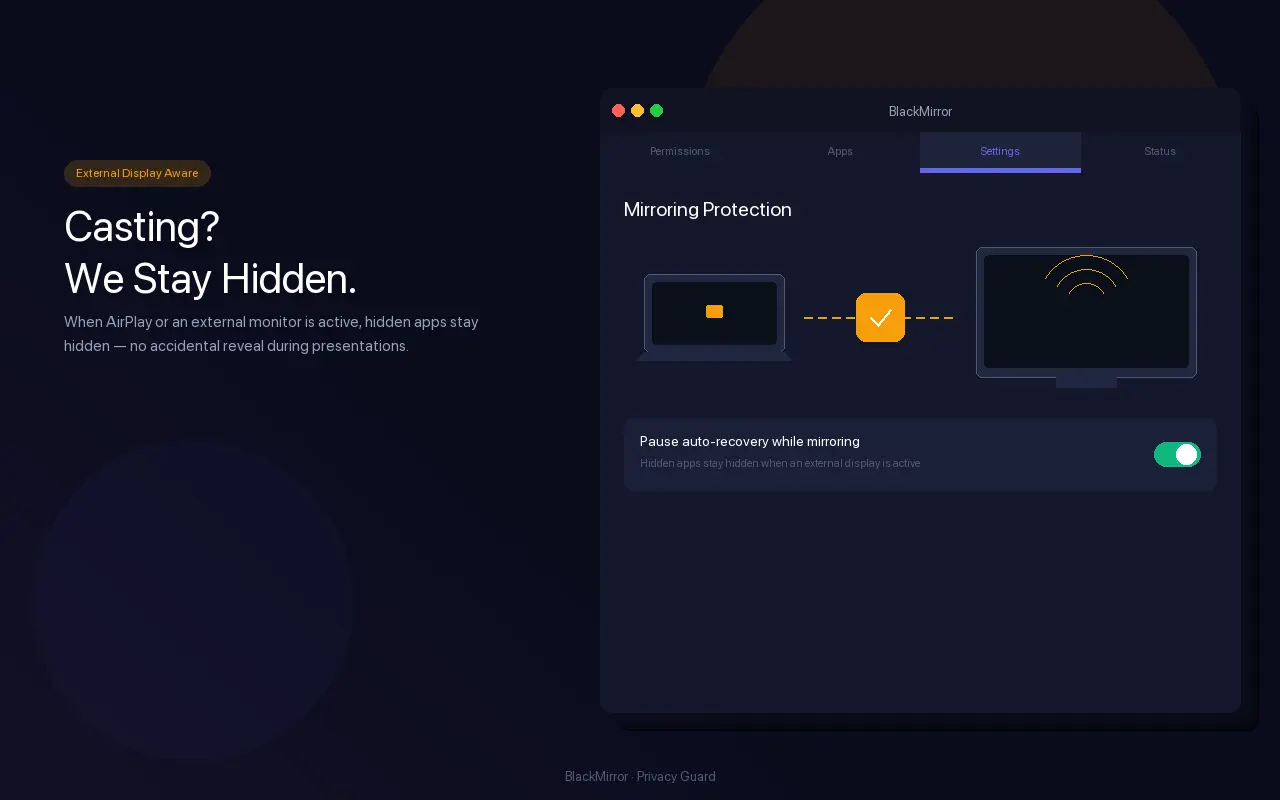
The free listing documents protected apps, Presentation Mode, Privacy Color Blocks, mirroring-aware hiding, and on-device face detection.
Nearby-face detection addresses shoulder surfing. It does not confirm that the meeting app is sharing the intended window or display.
Current App Store facts
Start with the free version before a real meeting.
The current US listings make Lite the lower-friction way to test camera placement, protected-app behavior, and presentation controls on your own Mac.
Anti-spy screen Lite is currently free to download. The full Anti-spy screen listing is a $2.99 one-time purchase; prices can vary by storefront.
Both current listings require macOS 13.0 or later.
The Lite listing says the camera feed stays on the Mac, nothing is recorded or uploaded, and the app requires no account or internet connection.
Lighting, camera angle, the selected face threshold, and the meeting app's shared source all affect the real workflow.
Screen privacy FAQ
Common Mac privacy questions.
How do I hide notifications while screen sharing on Mac?
On current macOS, open System Settings, choose Notifications, and set Show Notifications: when mirroring or sharing the display to Notifications Off. Turn on Focus, then send a harmless test notification before joining.
Which Anti-spy screen features support screen privacy?
The current listings document local face detection, selected app hiding, a draggable Privacy Block, and Presenting Mode for reducing background pop-up exposure.
Why do some alerts still appear with Do Not Disturb on?
Focus can still allow selected people, apps, and time-sensitive notifications. Teams calls, requests to join, and meeting-start notifications are not controlled by macOS Focus. Review the meeting app's own notification settings and test from a receiving device.
Do I need another app to hide notifications or share one window?
No extra app is needed to change macOS notification settings or to choose a window or tab in the meeting app. Anti-spy screen Lite is an optional tool for protected apps and presentation controls; test its effect in the receiving view before relying on it.
Where do I change Mac screen recording permission?
Open System Settings, choose Privacy and Security, then open Screen and System Audio Recording to review which apps may record the Mac screen and audio.
Does face detection guarantee screen sharing privacy?
No. Face detection can respond to another person near the Mac, but it cannot verify which window or display the meeting app is sharing. Always confirm the shared source and preview.